
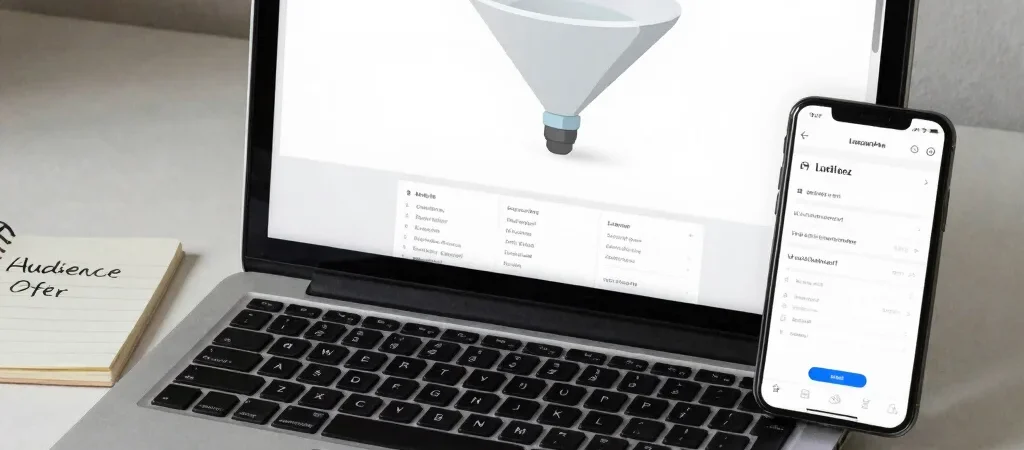
An AI-generated funnel can give you a useful starting page, but it cannot decide whether your offer is clear or your form collects the right information. Treat the draft as a layout and copy assistant, then make the important decisions before publishing.
Write the brief first
Before opening the funnel builder, write down the audience, the specific offer, and the one action a visitor should take. Include only details you can substantiate, such as what happens after someone submits the form. A focused brief gives the AI a better direction than a broad prompt like “make a sales funnel.”
Generate and connect the page
In Sites, open Funnels and start a new funnel; if AI funnel creation is available in your account, provide the brief and review the generated pages as a draft. Keep the path simple: a landing page, a form or booking action, and a confirmation page when the process needs one. Connect the form to the intended GoHighLevel contact fields and follow-up workflow rather than assuming the generated page has completed that setup.
Check the experience end to end
Preview the funnel on a phone and desktop, then submit a test entry to confirm the form, next step, and any follow-up message work together. Check every button, the spelling of the offer, and any claims or AI-written details that need correction. Publish only after you can complete the visitor journey yourself from the first page to the confirmation.